MacBook Pro M4 vs Dell XPS 16: Which Premium Laptop Is Worth the Investment?
We compare performance, battery life, display quality, build quality, and value to determine the best laptop for professionals.
At a Glance
MacBook Pro M4 wins for battery life, creative workflows, and ecosystem integration. Dell XPS 16 wins for value, Windows compatibility, and display options. Choose based on your platform needs and work style.

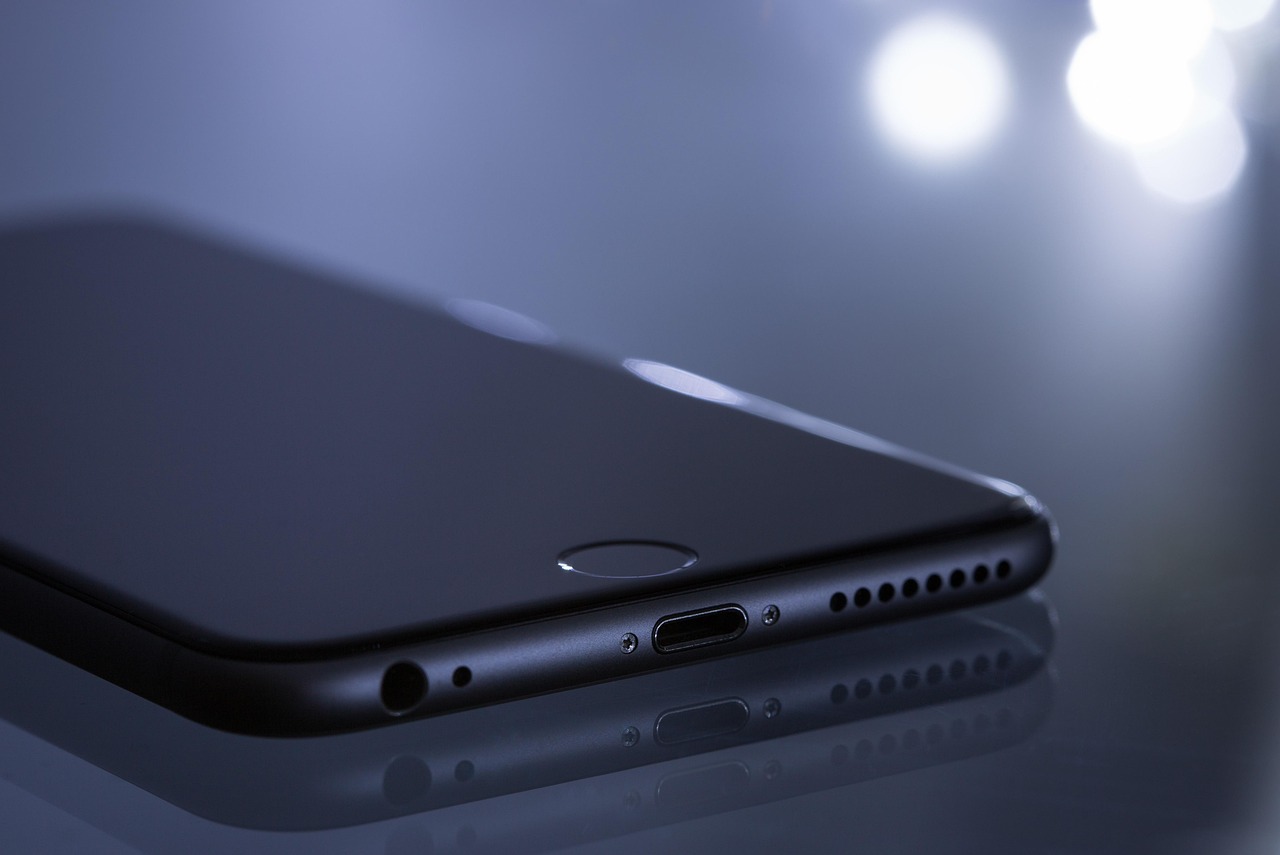
Drag slider to compare visual details
Choosing a premium laptop is a significant investment that affects your productivity for years. The MacBook Pro with Apple's M4 chip and the Dell XPS 16 with Intel's latest processors represent the pinnacle of laptop engineering from two very different philosophies. We compare performance, battery life, and everyday usability.
Introduction
Choosing a premium laptop is a significant investment that affects your productivity for years. The MacBook Pro with Apple's M4 chip and the Dell XPS 16 with Intel's latest processors represent the pinnacle of laptop engineering from two very different philosophies.
Apple's transition to its own silicon has been transformative. The M-series chips offer performance and efficiency that Intel and AMD have struggled to match. Dell, meanwhile, has refined the XPS line into one of the best Windows laptops available, with an emphasis on premium materials and stunning displays.
This comparison is designed for professionals who need a laptop that can handle demanding workloads while remaining portable enough for daily commuting or travel.
Performance and Speed
The MacBook Pro's M4 Pro chip delivers exceptional performance that punches well above what its power consumption would suggest. Video editing performance in DaVinci Resolve depends on the project, codec, and hardware configuration.
The Dell XPS 16 with Intel Core Ultra 9 is a capable performer, especially for tasks that leverage its dedicated GPU option. Gaming performance, when a discrete GPU is configured, exceeds the MacBook Pro's capabilities. For 3D rendering and certain professional applications, the Dell's raw compute power is competitive.
Sustained performance under heavy load favors the MacBook Pro. Apple's unified memory architecture and efficient chip design mean the laptop maintains peak performance without significant thermal throttling. The Dell XPS can throttle under sustained workloads, particularly in the thinner configurations.
For software development, both machines perform excellently. The MacBook Pro is the standard choice for iOS and macOS development, while the Dell XPS provides a better experience for Windows-specific development and enterprise software testing.
Battery Life
Battery life is where the MacBook Pro establishes a commanding lead. Apple lists up to 24 hours of video streaming for the 16-inch M4 Pro model. Battery life during mixed productivity use depends on screen brightness, applications, and workload.
For travelers and remote workers, the MacBook Pro's battery advantage is transformative. You can realistically work a full day without seeking a power outlet. The Dell XPS requires planning around charging opportunities for all-day productivity.
Charging speed partially compensates for the Dell's shorter battery life. It supports fast charging that delivers 80 percent capacity in about an hour. The MacBook Pro charges quickly as well, though starting from a higher capacity means it needs charging less frequently.
Display Quality
Both laptops offer stunning displays, but they use different technologies with distinct advantages. The MacBook Pro's Liquid Retina XDR display uses mini-LED backlighting for excellent HDR performance, with peak brightness of 1,600 nits and a 1,000,000:1 contrast ratio.
The Dell XPS 16 offers an OLED option that delivers true per-pixel lighting, producing perfect blacks and infinite contrast ratios. Colors are vibrant and accurate, making it excellent for photo and video editing. The OLED panel is visually stunning.
For color accuracy and professional creative work, both displays are excellent. The MacBook Pro covers 100 percent of the DCI-P3 color gamut and is factory-calibrated to tight tolerances. The Dell's OLED display also covers DCI-P3 and offers excellent calibration.
OLED burn-in remains a concern for the Dell XPS, particularly for users who display static content for long periods. The MacBook Pro's mini-LED technology doesn't suffer from burn-in, making it safer for extended use with static interfaces like code editors.
Build Quality and Design
The MacBook Pro's unibody aluminum construction is legendary for its durability and premium feel. The laptop has maintained essentially the same design language for years because it works well. The build quality is impeccable, with zero flex in the chassis, keyboard, or display.
The Dell XPS 16 features a minimalist design with a CNC-machined aluminum chassis that rivals Apple's build quality. The edge-to-edge keyboard and seamless glass trackpad create a striking visual impression. It's one of the best-built Windows laptops ever made.
Port selection differs significantly. The MacBook Pro offers three Thunderbolt 5 ports, an HDMI port, an SD card reader, a MagSafe charging port, and a headphone jack. This thoughtful selection covers most professional needs without dongles.
The Dell XPS 16 relies more heavily on USB-C and Thunderbolt 4 ports, with fewer built-in options for monitors, memory cards, and headphones. A hub or adapter is more likely to be necessary for daily use.
Software Ecosystem
macOS offers a polished, secure operating system with excellent integration across Apple devices. Handoff, AirDrop, Sidecar (using iPad as a second display), and Universal Clipboard create a seamless multi-device experience for Apple users.
Windows 11 on the Dell XPS provides broader software compatibility, especially for enterprise environments. Many corporate applications, including legacy software, run exclusively on Windows. IT departments often standardize on Windows, making the Dell the path of least resistance.
Creative professionals are well-served by both platforms. Adobe Creative Suite, DaVinci Resolve, and other major applications run natively on both macOS and Windows. However, Apple's Final Cut Pro and Logic Pro are macOS exclusives that some professionals depend on.
For developers, macOS provides a Unix-based terminal environment that's preferred for web development, and it's required for iOS app development. Windows users benefit from WSL2 (Windows Subsystem for Linux) but the experience isn't as seamless as native macOS terminal access.
Value and Long-term Investment
The MacBook Pro is more expensive at comparable specifications, with the 16-inch M4 Pro model starting at 2,499 dollars. Upgrades to RAM and storage carry significant Apple premiums. A well-configured model easily exceeds 3,500 dollars.
The Dell XPS 16 starts at 1,899 dollars and offers more flexible configuration options. The ability to choose an Intel Core Ultra configuration, add discrete GPUs, and select different display options provides more price-performance flexibility.
Both laptops should serve professionals well for 4 to 6 years. The MacBook Pro's advantage in software updates (Apple supports Macs for 7 or more years) gives it a slight edge in longevity.
Verdict
The MacBook Pro M4 is the superior choice for creative professionals, developers working on Apple platforms, and anyone who prioritizes battery life and long-term reliability. Its unmatched efficiency, excellent display, and premium build quality justify the higher price for many professionals.
The Dell XPS 16 is the better value for Windows-dependent professionals, gamers who need a portable machine, and enterprise users whose organizations standardize on Windows. Its excellent OLED display and competitive performance make it the best Windows alternative to the MacBook Pro.
If you work primarily with Apple devices and creative software, the MacBook Pro is worth the premium. If you need Windows compatibility, more flexible configurations, or want to save money while still getting a premium experience, the Dell XPS 16 delivers excellent value.
Both laptops represent the best their respective platforms have to offer. The right choice depends on your operating system preference, work requirements, and whether you value battery life or configuration flexibility more highly.
Specifications at a Glance
| Detail | MacBook Pro M4 | Dell XPS 16 |
|---|---|---|
| Chip | Apple M4 Pro | Intel Core Ultra 9 |
| RAM | 18-128GB | 16-64GB |
| Display | 16" Liquid Retina XDR | 16" OLED 4K |
| Battery | Up to 24 hours video streaming (16-inch M4 Pro) | Varies by configuration and workload |
| Price | From $2,499 | From $1,899 |
Published article details, not a live feed. A dash means the article does not record that detail. On small screens, scroll the table horizontally.
Key differences in recorded specifications
- Chip
- MacBook Pro M4: Apple M4 Pro; Dell XPS 16: Intel Core Ultra 9.
- RAM
- MacBook Pro M4: 18-128GB; Dell XPS 16: 16-64GB.
- Display
- MacBook Pro M4: 16" Liquid Retina XDR; Dell XPS 16: 16" OLED 4K.
- Battery
- MacBook Pro M4: Up to 24 hours video streaming (16-inch M4 Pro); Dell XPS 16: Varies by configuration and workload.
- Price
- MacBook Pro M4: From $2,499; Dell XPS 16: From $1,899.
Similarities in recorded specifications
No identical values are recorded for matching specification labels.
These observations compare matching labels and exact published values only; they do not establish equivalent test conditions or a performance advantage.
Pros, cons, and criterion-level evidence
Consider the specifications and verdict in light of your priorities.
No numeric score is assigned. The verdict below is supplied editorial guidance, not a universal ranking.
The Verdict
MacBook Pro M4 wins for battery life, creative workflows, and ecosystem integration. Dell XPS 16 wins for value, Windows compatibility, and display options. Choose based on your platform needs and work style.
Sources and methodology
Publication date: February 4, 2026. Prices and specifications are not live; check current details before deciding.
- Apple Support – MacBook Pro (16-inch, 2024) Tech Specs · Accessed: 2026-10-09
Up to 24 h video streaming (M4 Pro; 21 h M4 Max); three Thunderbolt 5 ports; 1600 nits HDR peak; SDXC, HDMI, headphone jack.
- Dell – XPS 16 (9640) Laptop · Accessed: 2026-10-09
Official configurations (Intel Core Ultra, NVIDIA RTX options, ports).
Editorial context: Read the editorial policy.
Frequently asked questions
- Should I choose MacBook Pro M4 or Dell XPS 16?
- MacBook Pro M4 wins for battery life, creative workflows, and ecosystem integration. Dell XPS 16 wins for value, Windows compatibility, and display options. Choose based on your platform needs and work style.
- How do MacBook Pro M4 and Dell XPS 16 compare on chip?
- MacBook Pro M4: Apple M4 Pro. Dell XPS 16: Intel Core Ultra 9. These are the article's stated details; verify current specifications before deciding.
- When was this comparison published, and are its prices live?
- Published February 4, 2026. Prices and specifications in this article are not a live feed. Check the provider's current information. Available sources are listed on this page.